

Headphones
Direct listening
Fully insert compatible 16–32 Ω headphones into the 3.5 mm output.
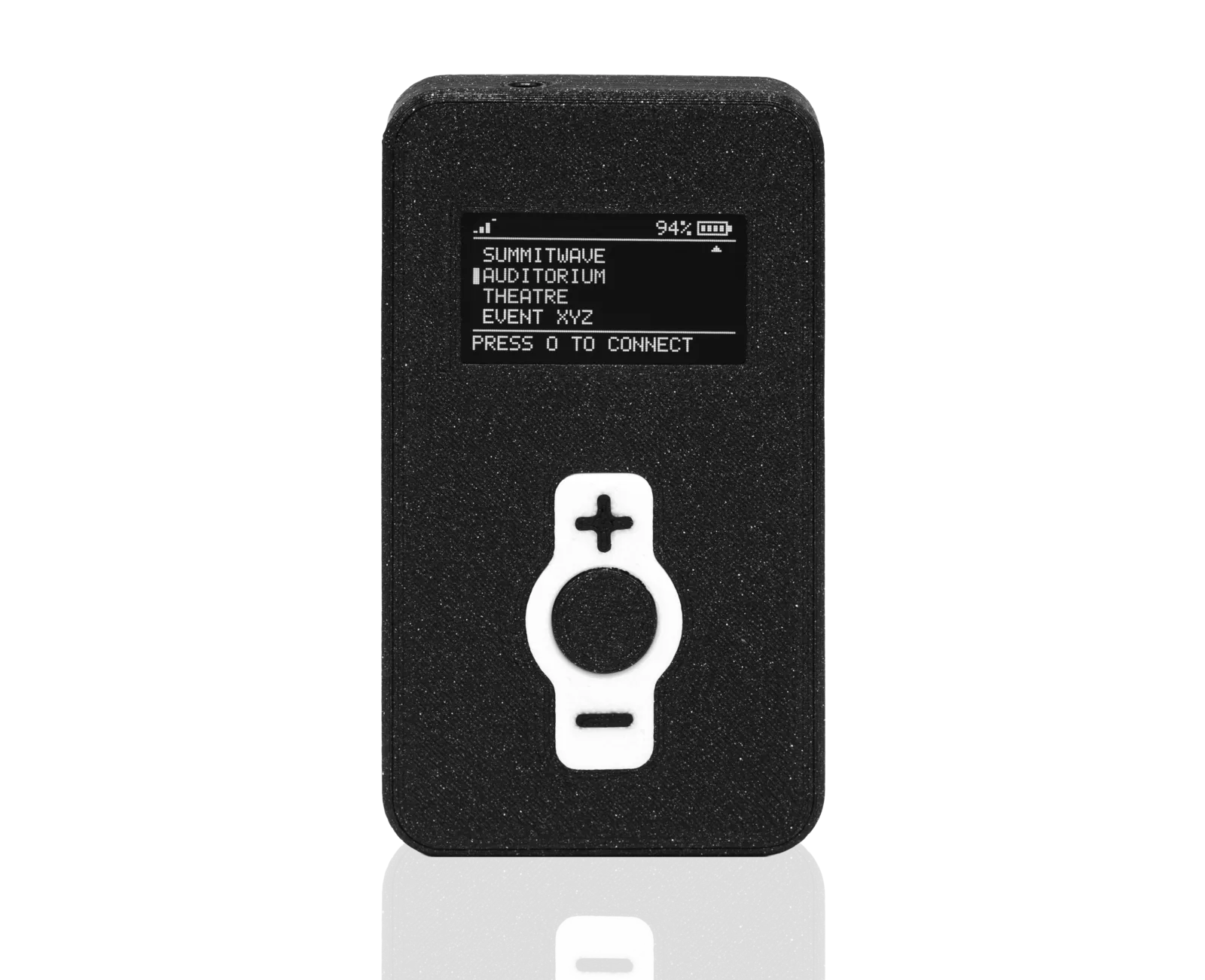
Prepare the RX, connect audio accessories, select the correct Auracast stream and listen safely.
Only issue a complete, charged and undamaged receiver.
Visual inspection
Check the RX, audio connection, charging contacts and accessories for damage or contamination.
Check the battery on the OLED
A fully charged RX provides 20 hours of runtime according to the product datasheet. A complete charge in the docking station takes 4 hours.
Select accessories
Prepare approved headphones or a compatible inductive neck loop.
The 3.5 mm output supports TRS and TRRS connectors with CTIA wiring.
Headphones
Direct listening
Fully insert compatible 16–32 Ω headphones into the 3.5 mm output.
Inductive neck loop
Hearing system with telecoil
Connect a compatible neck loop to the 3.5 mm output and enable the hearing system’s telecoil according to its instructions.
Choose the stream name provided by the venue.
Switch on the RX
Switch on the RX and wait until it is ready for use.
Open the channel list
Display the available broadcasts or saved favourite channels.
Select the channel
Use the two channel buttons to choose the correct entry for the room, language or application.
Check the output
Verify the channel name on the OLED and wait for audio output.
Set a comfortable level and verify that the correct stream is playing.
Check the audio
Confirm that the required content is audible through the headphones or neck loop.
Increase the volume slowly
Increase the level step by step until playback is clear and comfortable.
Check the stream name
If the language or content is wrong, check the selected stream name again.
Know where to get help
Contact the venue’s issue point if playback is interrupted or the controls are unclear.
A short return routine keeps the RX ready for the next session.
Switch off the RX
Stop playback and switch off the receiver.
Disconnect accessories
Remove the headphones or neck loop by holding the plug rather than pulling the cable.
Check completeness
Inspect the RX and issued accessories for completeness and damage.
Clean
Clean the device and reusable accessories according to the approved hygiene procedure.
Recharge
Insert the RX fully into a charging bay of the SW RX Charger 04. A complete charge takes 4 hours.
Check the four most common causes first.
| Problem | Check first |
|---|---|
| RX does not start | Check the battery state, correct position in the docking station and visible damage. |
| No stream is visible | Check that the TX is active, the RX is in coverage and a new scan has been run. |
| No sound | Check that the audio accessory is fully connected, and verify the volume and selected stream. |
| Audio drops out | Check distance, obstacles, state of charge and local RF conditions. |
| Charging is not possible | Check the charging contacts, position in the docking station and its power supply. |
| Roaming is interrupted | Check the coverage area and active Summitwave TX transmitters. |
| Property | Value |
|---|---|
| Document version | 2026-07 |
| Last updated | 29 July 2026 |
| Data source | Technical product data according to DS-RX-DE, Rev. A (2026-07) |